
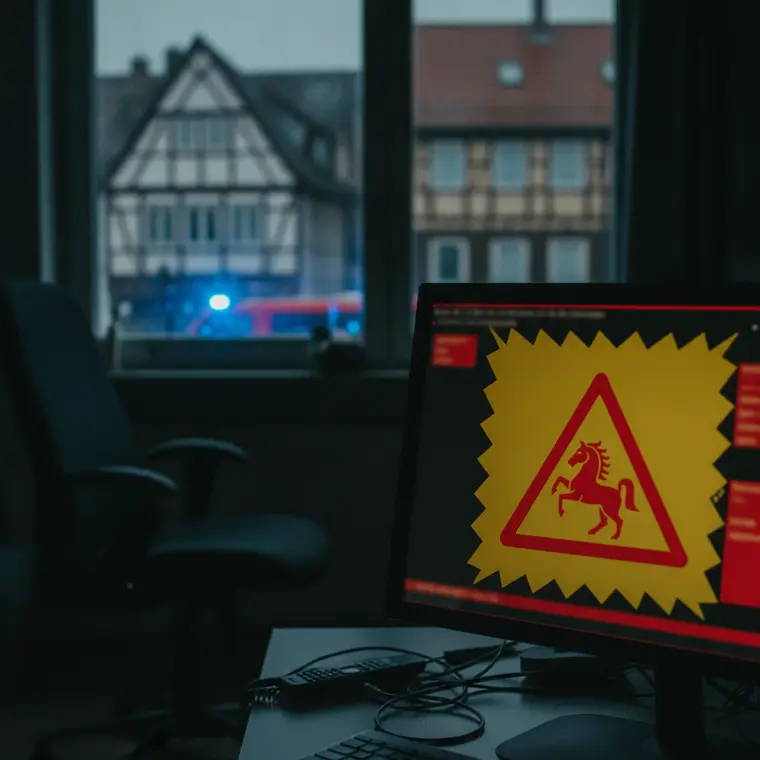
Hainichen/Saale-Holzland-Kreis (2026-06-25) – Yesterday, Wednesday, a man from Hainichen narrowly escaped a consequential fraud. A fake virus warning on his computer prompted him to call a phone number, after which the perpetrators demanded the purchase of gift cards.
- Location: Hainichen (Saale-Holzland-Kreis)
- Event: Attempted fraud via fake computer virus (Tech Support Scam)
- Demand: Purchase of Apple Pay gift cards at retail stores
- Damage: None (however, perpetrators announced a follow-up call)
- Contact Police Jena: Phone 03641 81-1503 | E-Mail Pressestelle.LPI.Jena@polizei.thueringen.de
The Scam: How the Fraudsters Operate
In the so-called “Tech Support” fraud scheme, criminals exploit the good faith and concerns of computer users. While surfing the internet, a pop-up window suddenly opens, often deceptively copying the design of well-known IT corporations such as Microsoft or Apple. Accompanied by loud warning signals, it is claimed that the computer is infected with a dangerous Trojan or virus and that the system has been locked for security reasons.
To resolve the problem, a phone number is displayed. Anyone who calls there ends up directly in a criminal call center. During the conversation, the perpetrators try to urge the victims to install remote maintenance software (such as AnyDesk or TeamViewer). This gives them full access to the PC, sensitive passwords, and online banking. In the current case from Hainichen, the affected person did not have online banking on the device. The perpetrators then demanded that he drive to a store and purchase Apple Pay gift cards. Since the man became suspicious, fortunately, no financial damage occurred. However, the police warn of further contact attempts.
Emergency Checklist: How to React Correctly
Should a sudden virus warning with a phone number appear on your screen, it is recommended to strictly adhere to the following rules of conduct:
- Stay calm: Reputable software manufacturers will never ask you via pop-up to call a phone number.
- Do not call any numbers: Under no circumstances should you dial the displayed phone number.
- Close the browser: Close the browser window. If the screen has frozen, end the browser via the Task Manager (Ctrl + Alt + Del) or restart the PC.
- Do not allow access: Never grant strangers remote access to your device.
- Do not make any payments: Do not pass on voucher codes, credit card details, or passwords.
🛡️ Prevention & Advice: Tips from the Landespolizeiinspektion Jena
To protect yourself permanently from such cyber attacks, the police recommend the following security measures:
- Keep your operating system, browser, and antivirus software up to date through regular updates.
- Use a reliable ad-blocker in your browser to minimize the unauthorized opening of manipulated pop-up windows.
- If you have already become a victim and granted the perpetrators access: Disconnect the device from the internet immediately, change all important passwords from a different device, and file a report with the police.
🛒 Increase Security for Your Computer
Protect your digital devices preventively against Trojans, viruses, and fraudulent websites. You can find effective security software directly on Amazon.
Source: Landespolizeiinspektion Jena
Source:
LPI-J: Fraud scheme with alleged computer virus
Transparency Note: This article was created automatically, editorially reviewed, and expanded with AI support.